Sign out safely
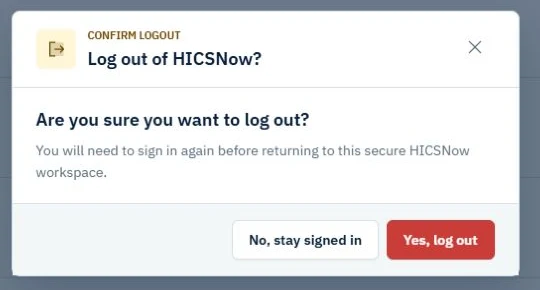
- Select Log out from the authenticated HICSNow navigation.
- Review the confirmation prompt.
- Select Yes, log out to end the session or No, stay signed in to remain signed in.
After logout, HICSNow returns you to the appropriate login page.
Always sign out when using a shared or public computer. Closing a browser tab is not a substitute for logging out because some browsers restore prior sessions and tabs.